M6 Player: A Free Music, Video and Radio App for Android
MSIXV · 2026-11-11 10:00:00

M6 Player is one app for the music on your phone, the videos on your phone and the radio stations of your country. It is on Google Play for Android, it is free, and it has no adverts and no sign-in.
Your music, your videos and your radio.
In one app that stays out of your way.
This post explains what M6 Player does, how to get started and what stays on your phone. It also says what the app does not do, so you know before you install it.
What is M6 Player?
M6 Player is a music, video and radio player built by Mukiria Six Ventures, the company behind MSIXV. It plays what you already own. It is not a streaming service, so there is no catalogue to browse and no subscription to pay.
- Music. Add MP3 files, or a whole folder of them, and play them as a library. Titles, artists and cover art are read from each file.
- Video. Every video on your phone is listed, newest first. Nothing is copied.
- Radio. Popular stations for your country, with search and genre filters. You can mark favourites.
How do I get started?
- Install it. Get M6 Player from Google Play. A short first-run introduction explains the permissions it asks for.
- Add your music. Tap the plus button, then choose songs or add a folder. Songs already in the library are skipped. The app keeps its own copy, so the originals are not touched.
- Find your videos. Allow access to videos and they appear in the Video tab.
- Tune in. Open Radio, pick a station and play. Change country with the globe icon.
- Make it yours. Mark favourites, build playlists and set a sleep timer.
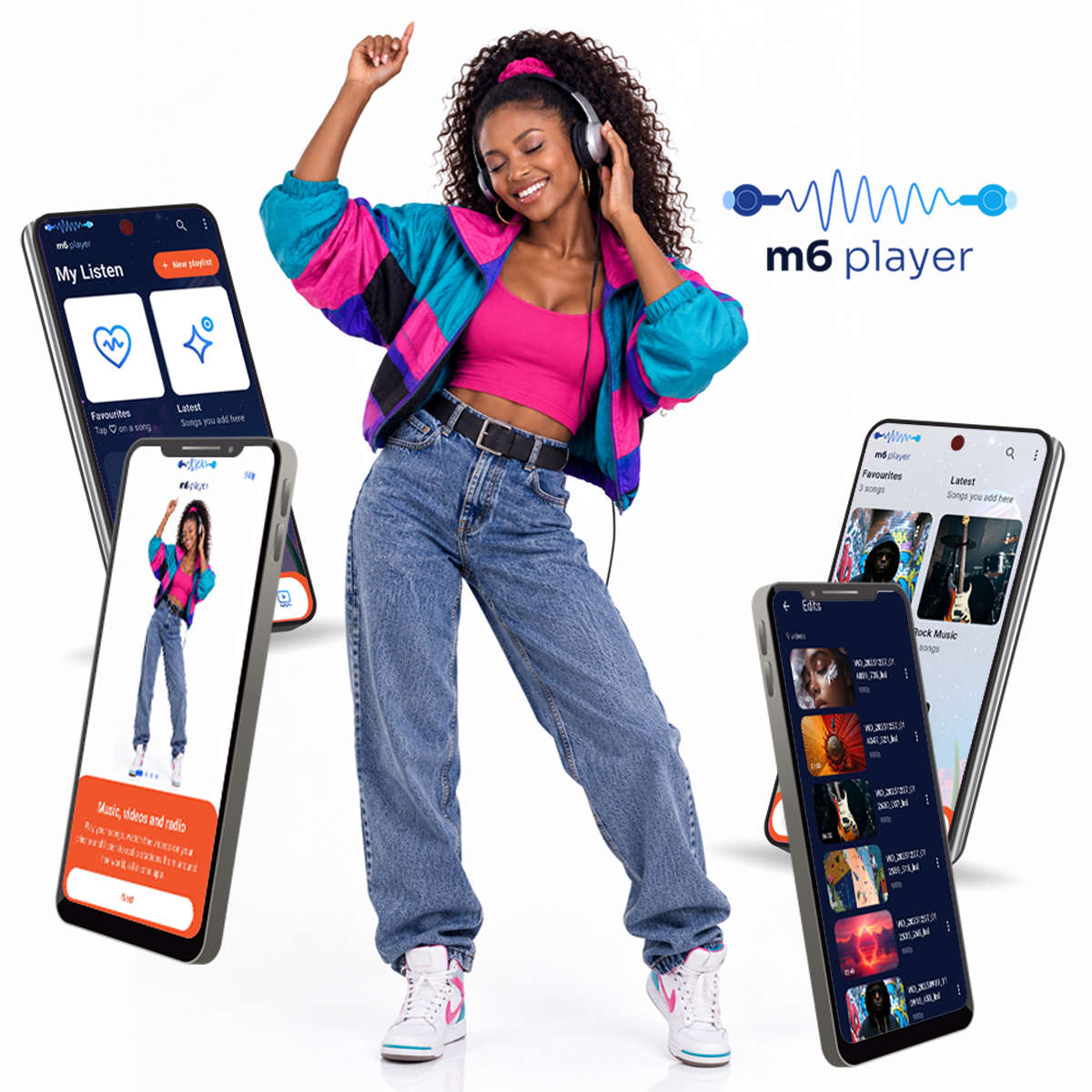
What can it do?
- Plays in the background. Music and radio keep playing with the screen off, with controls on the lock screen and the notification, and your headset buttons work.
- Playlists that build themselves. Most played, recently played, recently added and never played sit at the top of the Playlists tab, next to your own.
- Favourites and Latest. Tap the heart on a song. Newly added songs and videos collect in Latest.
- A video player with gestures. Double-tap to skip 10 seconds. Swipe the left side for brightness and the right side for volume. It remembers where you stopped, has playback speed and can load subtitle files.
- Search. One search for songs, videos and playlists.
- Sleep timer. Stop the music after a set time.
- Equalizer. Presets such as Bass boost, Vocal, Rock and Jazz, and a slider for each band (Android).
- Send files to a friend. Transfer songs and videos between two phones running M6 Player over Wi-Fi Direct, with no internet needed (Android). You can also share to any app.
- Hide and filter. Hide a song from every list, and lock the hidden items with a PIN.
- Back up your library. Save your favourites and playlists to a file and restore them later.
- Light and dark. It follows your phone, or you can choose.
What stays on my phone?
Your songs, videos, playlists, favourites and settings stay on your phone. The app has no advertising, no analytics, no crash reporting and no accounts.
Only radio goes online. The app looks up stations from the free radio-browser.info service, which receives your country code, and a station's stream comes from that station's own server. Like any website, both can see your IP address. Anything else leaves the phone only when you choose to share it or send it to another phone.
The full policy is on the M6 Player privacy policy page.
What does it not do?
- It is not a streaming service. You bring the music. Only radio comes from the internet, so radio needs a connection.
- It adds MP3 files. Music you add to the library needs to be MP3. Videos are whatever is already on your phone.
- The equalizer and file transfer are Android only. M6 Player is on Google Play. It is not on the iPhone App Store yet.
Frequently asked questions
Is M6 Player free?
Yes. There are no adverts and nothing to buy.
Do I need an account?
No. There is no sign-in.
Does it work offline?
Your music and videos play without a connection. Radio needs internet.
Can I use it on an iPhone?
Not yet. It is on Google Play for Android.
Who makes it?
M6 Player is made by Mukiria Six Ventures Limited, the company behind MSIXV. You can read more on our About page.
Try it

Questions or ideas for the app? Email support@msixv.com. If you need an app built around how your own business works, talk to MSIXV.